
Jump to page sections
- Topics
- Recommended Technology/PowerShell Articles
- Look, Mom! I'm a Recording Artist!
- Reward My Efforts?
Welcome to the Svendsen Tech Blog
Welcome to my personal blog! I'm passionate about technology, politics, and finance, and this is where I share my thoughts on some of the things that cross my mind. Stay tuned for insightful articles and feel free to reach out if you'd like to connect!
Click here for my Microsoft PowerShell Gallery profile (started publishing in October 2016) - and click here for my GitHub profile (started in April 2017).
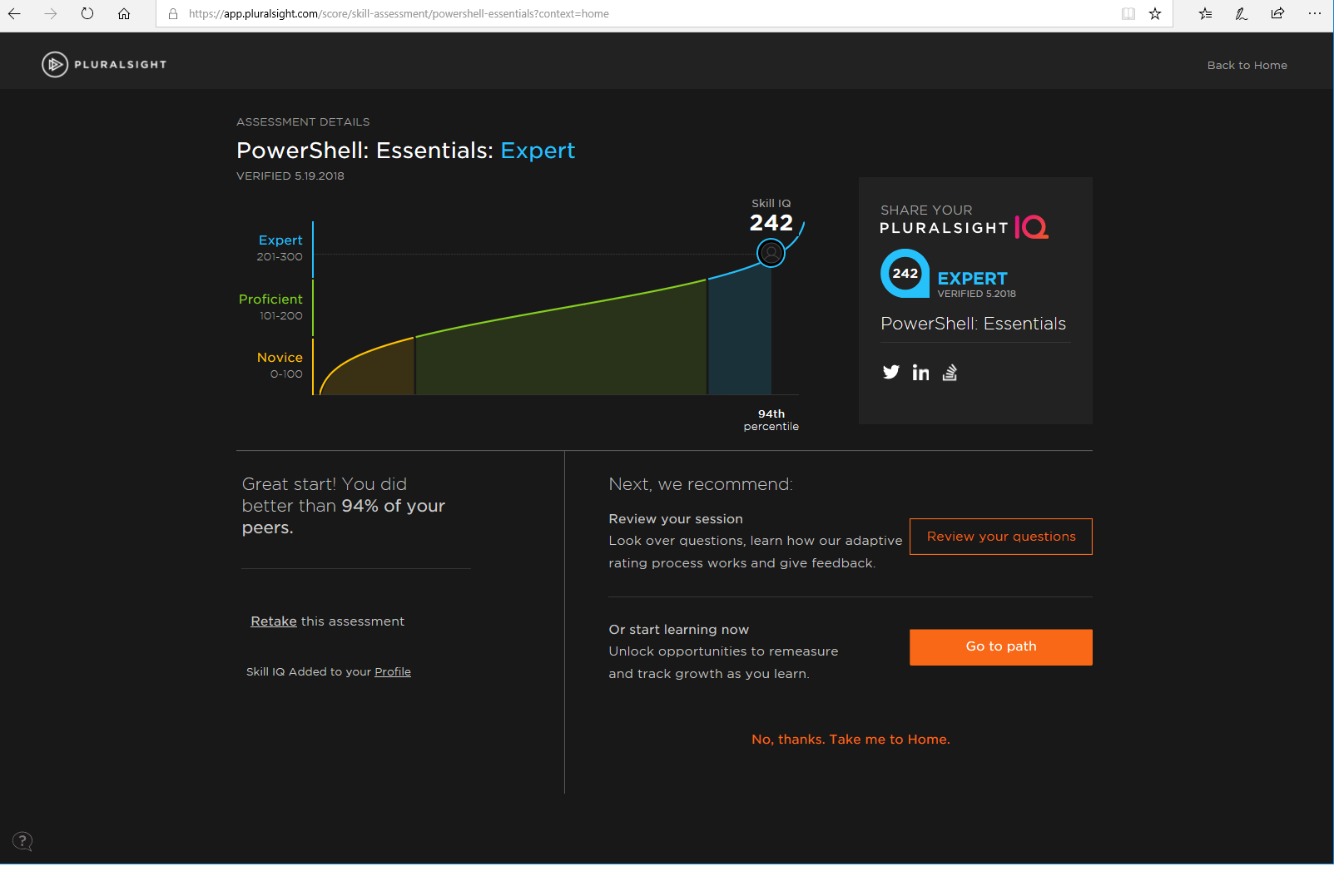
Click here to see test results which show that, woo, I'm an expert, and would have scored significantly higher - if I had had a moment's peace during the test. I got 6 answers wrong, but when I reviewed in peace, I realized I would only have gotten one answer wrong in real life. This would have placed me significantly higher, I would think.
Topics
Recommended Technology/PowerShell Articles
- A Merge-Csv advanced function - Combines CSV files or custom PowerShell objects based on one or more shared columns/headers/properties (an ID column - such as one containing usernames) and creates a joined version with all columns from all files. Some consistency checking and reporting is done. Hey, even the guy who invented PowerShell (Jeffrey Snover) liked it enough to tweet me about it once back in the days.
- A Module With SSH Functions For PowerShell - Pretty cool stuff. Based on the SSH.NET library found on GitHub. Connect to, execute commands against and collects results from multiple hosts via SSH, using this ready-made module.
- PowerShell foreach Loops And The ForEach-Object Cmdlet - Learn about foreach loops in PowerShell, and the ForEach-Object cmdlet used for pipeline processing.
- Get Folder Sizes with PowerShell, Blazingly Fast - Uses COM with a fallback to robocopy to avoid 260-character limit on path length seen with Get-ChildItem/.NET, and is also very fast.
- PSnmap - A PowerShell nmap-like program. TCP port scan subnets using CIDR notation, IP/subnet, IP or DNS/NetBIOS names. Runspaces for concurrency.
- PSipcalc - Retrieve network information about subnets and enumerate IPs in subnets with PSipcalc - a sort of PowerShell clone of the Linux ipcalc utility.
- STOXR - Currency Conversion Software - Open Exchange Rates API - Software to help automate currency conversion tasks using PowerShell/.NET. Functional trial version.
- Invoke-PsExec for PowerShell - advanced function for streamlining use of PsExec.exe from PowerShell. Asynchronous with runspaces.
- ConvertTo-Json for PowerShell version 2 - If you need to create JSON in a generic, quite seamless way and need to do it with PowerShell version 2 (default in Windows Server 2008 R2 and Windows 7, but both these operating systems can be upgraded to later versions of PowerShell (unless you run Exchange 2010, SharePoint in some version I forgot and something else I forgot)).
- The PowerShell Where-Object cmdlet - Learn about PowerShell's Where-Object cmdlet.
- The PowerShell for loop - Learn about regular for loops in PowerShell.
- Get-WmiObject-Wrapper - A wrapper around Get-WmiObject that collects data from online servers/workstations and stores it in XML format. There's also a custom XML parser for generating CSV/other reports based on the XML schema Get-WmiObject-Wrapper uses. It's more useful than it sounds!
- PowerShell Benchmarking Module Built Around Measure-Command - When you want an easy-to-use interface to benchmark multiple runs of code in script blocks you specify.
- PowerShell Regular Expressions - Examples and details on most use cases for regular expressions with .NET/PowerShell. It's a comprehensive article.
Look, Mom! I'm a Recording Artist!
After a maniacial frenzy of mental processes unfolding, it so happens that I appear on Spotify and Apple Music when you search for my name... With my real, full name. 😳
I have an "artist page" in the wiki now, here.
Reward My Efforts?
If you've found something here helpful or enjoyed my music, I’d be incredibly grateful for any small donation as a way to support my efforts. Even a small contribution means the world to me and helps keep this going! Alternatively, you could put my songs on repeat for 24 hours (muted, if necessary), and I’ll still appreciate it just as much!
Donations are quite rare — sometimes only once a year — so when they do come in, they really make a difference. You can donate via the PayPal link below. Thank you for your support in any form!
Powershell Windows Linux .NET Python Perl Finance
Blog articles in alphabetical order
A
- A Look at the KLP AksjeNorden Index Mutual Fund
- A primitive hex version of the seq gnu utility, written in perl
- Accessing the Bing Search API v5 using PowerShell
- Accessing the Google Custom Search API using PowerShell
- Active directory password expiration notification
- Aksje-, fonds- og ETF-utbytterapportgenerator for Nordnet-transaksjonslogg
- Ascii art characters powershell script
- Automatically delete old IIS logs with PowerShell
C
- Calculate and enumerate subnets with PSipcalc
- Calculate the trend for financial products based on close rates
- Check for open TCP ports using PowerShell
- Check if an AD user exists with Get-ADUser
- Check when servers were last patched with Windows Update via COM or WSUS
- Compiling or packaging an executable from perl code on windows
- Convert between Windows and Unix epoch with Python and Perl
- Convert file encoding using linux and iconv
- Convert from most encodings to utf8 with powershell
- ConvertTo-Json for PowerShell version 2
- Create cryptographically secure and pseudorandom data with PowerShell
- Crypto is here - and it is not going away
- Crypto logo analysis ftw
D
G
- Get rid of Psychology in the Stock Markets
- Get Folder Size with PowerShell, Blazingly Fast
- Get Linux disk space report in PowerShell
- Get-Weather cmdlet for PowerShell, using the OpenWeatherMap API
- Get-wmiobject wrapper
- Getting computer information using powershell
- Getting computer models in a domain using Powershell
- Getting computer names from AD using Powershell
- Getting usernames from active directory with powershell
- Gnu seq on steroids with hex support and descending ranges
- Gullpriser hos Gullbanken mot spotprisen til gull
H
- Have PowerShell trigger an action when CPU or memory usage reaches certain values
- Historical view of the SnP 500 Index since 1927, when corona is rampant in mid-March 2020
- How Many Bitcoins (BTC) Are Lost
- How many people own 1 full BTC
- How to check perl module version
- How to list all AD computer object properties
- Hva det innebærer at særkravet for lån til sekundærbolig bortfaller
I
L
M
P
- Parse openssl certificate date output into .NET DateTime objects
- Parse PsLoggedOn.exe Output with PowerShell
- Parse schtasks.exe Output with PowerShell
- Perl on windows
- Port scan subnets with PSnmap for PowerShell
- PowerShell Relative Strength Index (RSI) Calculator
- PowerShell .NET regex to validate IPv6 address (RFC-compliant)
- PowerShell benchmarking module built around Measure-Command
- Powershell change the wmi timeout value
- PowerShell check if file exists
- Powershell check if folder exists
- PowerShell Cmdlet for Splitting an Array
- PowerShell Executables File System Locations
- PowerShell foreach loops and ForEach-Object
- PowerShell Get-MountPointData Cmdlet
- PowerShell Java Auto-Update Script
- Powershell multi-line comments
- Powershell prompt for password convert securestring to plain text
- Powershell psexec wrapper
- PowerShell regex to accurately match IPv4 address (0-255 only)
- Powershell regular expressions
- Powershell split operator
- Powershell vs perl at text processing
- PS2CMD - embed PowerShell code in a batch file
R
- Recursively Remove Empty Folders, using PowerShell
- Remote control mom via PowerShell and TeamViewer
- Remove empty elements from an array in PowerShell
- Remove first or last n characters from a string in PowerShell
- Rename unix utility - windows port
- Renaming files using PowerShell
- Running perl one-liners and scripts from powershell
S
- Sammenlign gullpriser og sølvpriser hos norske forhandlere av edelmetall
- Self-contained batch file with perl code
- Silver - The Underrated Investment
- Simple Morningstar Fund Report Script
- Sølv - den undervurderte investeringen
- Sort a list of computers by domain first and then name, using PowerShell
- Sort strings with numbers more humanely in PowerShell
- Sorting in ascending and descending order simultaneously in PowerShell
- Spar en slant med en optimalisert kredittkortportefølje
- Spre finansiell risiko på en skattesmart måte med flere Aksjesparekontoer
- SSH from PowerShell using the SSH.NET library
- SSH-Sessions Add-on with SCP SFTP Support
- Static Mutual Fund Portfolio the Last 2 Years Up 43 Percent
- STOXR - Currency Conversion Software - Open Exchange Rates API